
Product · Focus app
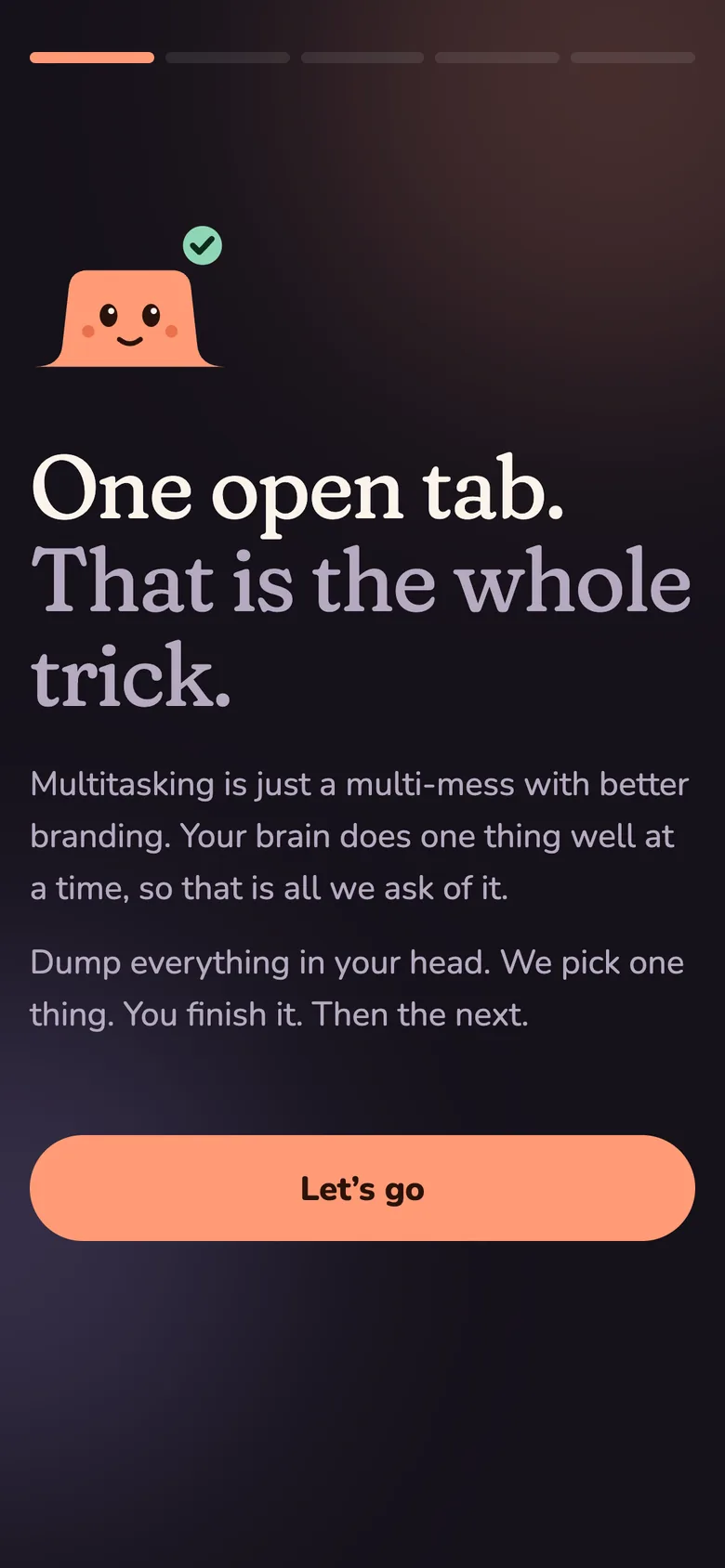
Multitasking is a multi-mess.
Most to-do apps show you everything at once, and for a lot of people that list is the problem. One Open Tab shows one task, the first physical step to start it, and nothing else until it is done.
Purpose
An app that decides for you.
It is built for busy owners and creatives who run several businesses or several areas of life at once, start ten things and finish none, and want something that picks the next thing for them.
Two ideas went into it. One was a simple brief: dump everything, and let the app choose one thing. The other was a detailed set of rules for staying on a task until it is finished: one task in progress at a time, a required first step, a two-hour stall rule, hourly check-ins, a morning plan and an evening reset.
We merged them into one product, with one rule at its heart. Everything else in the app exists to protect it.
The interface
One task on the screen. Ever.
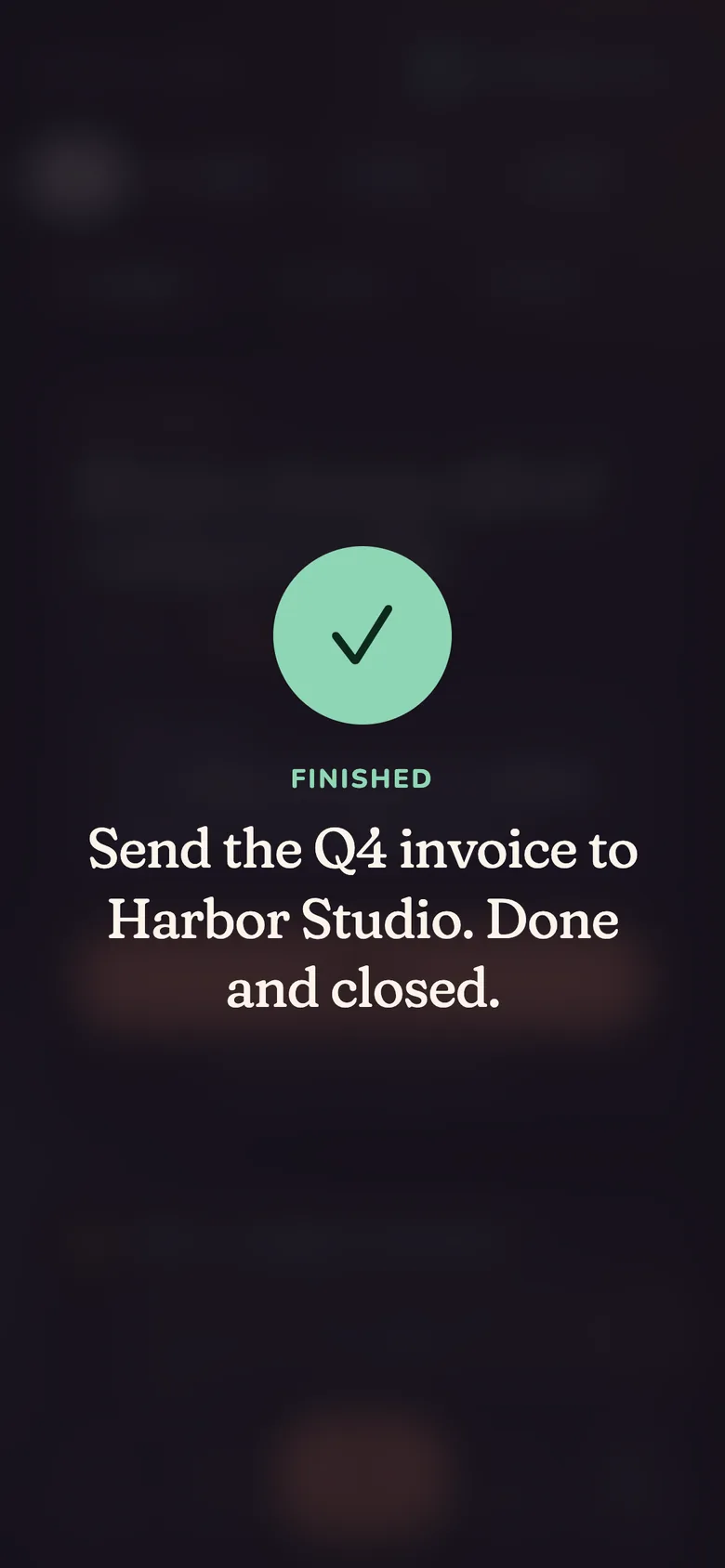
Captured from the live app on a phone, in guest mode. The tasks are examples.
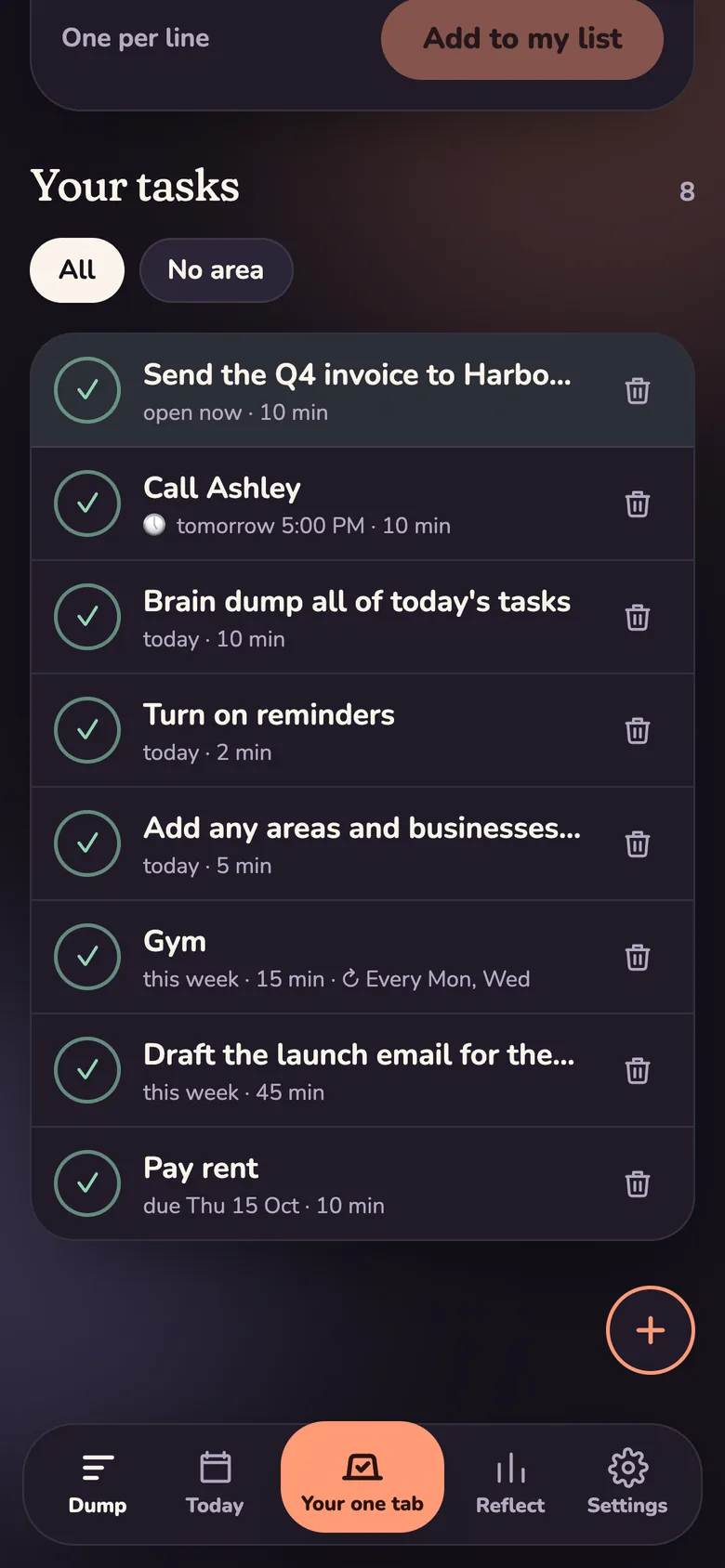
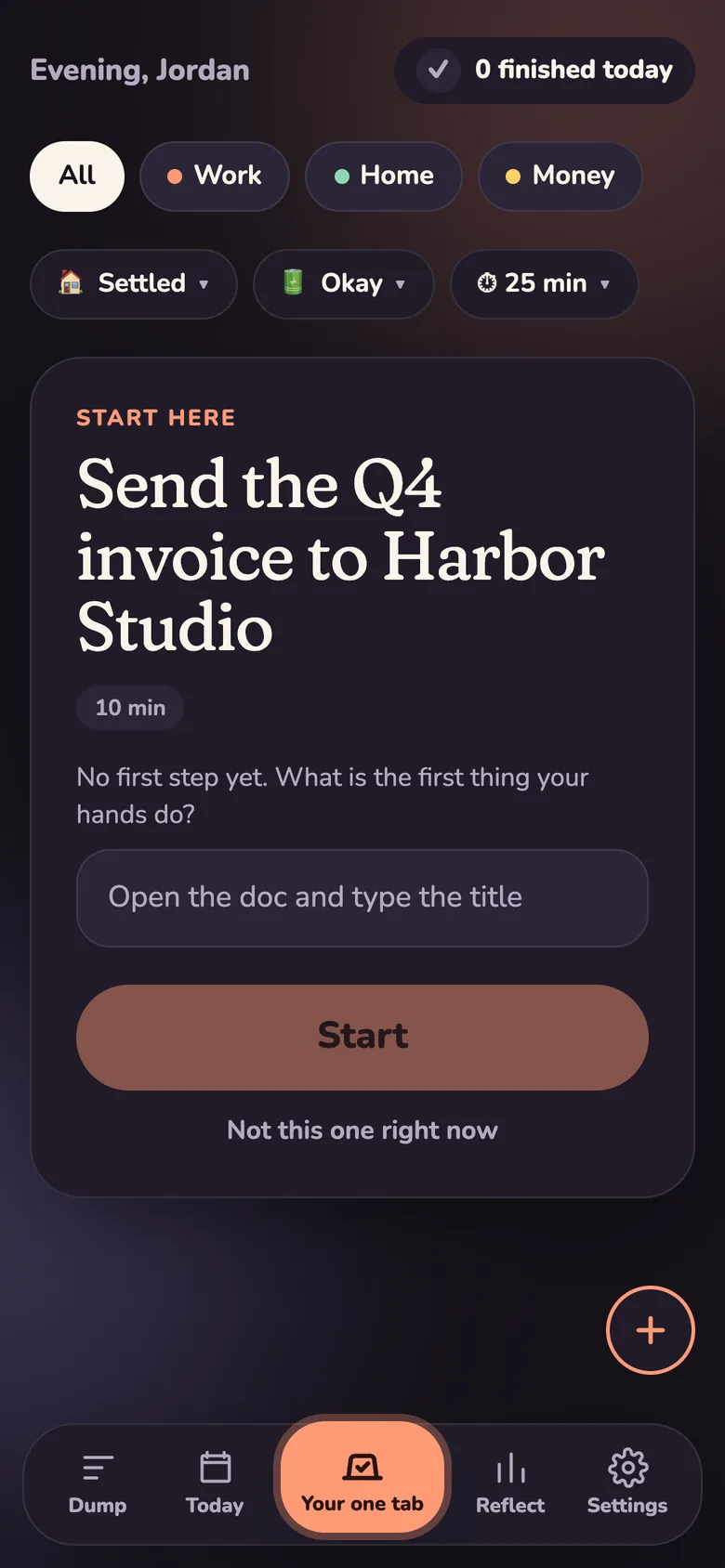
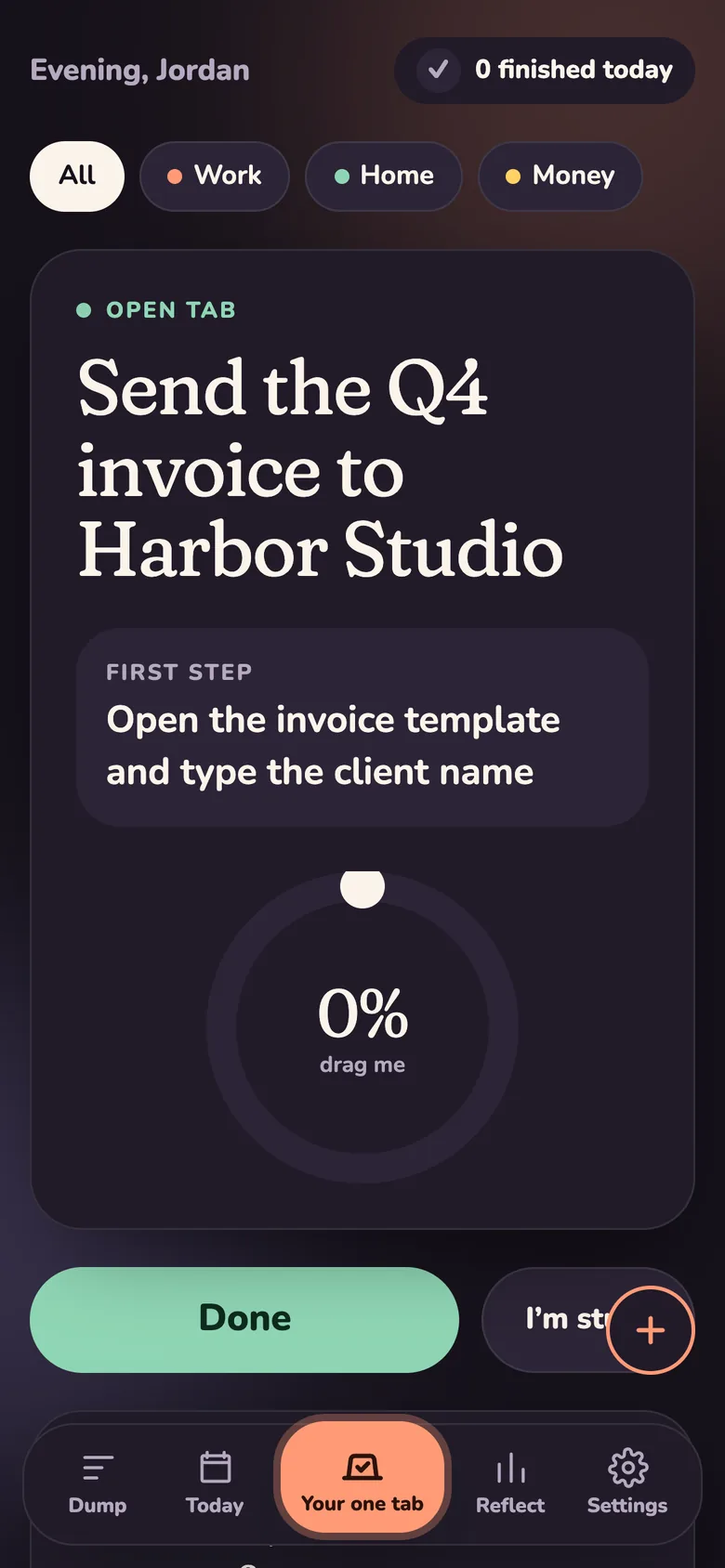
Swipe for more screens →
House rules
Five rules the code enforces.
Not settings, and not suggestions. The one-task rule is held on the phone and again in the database, so it holds on every device.
One open tab
Only one task can be in progress. Starting a second asks you to finish or park the first, and switching takes two taps on purpose.
A first step
Every task needs a physical first move before it starts. Vague steps like “plan” or “figure out” get a nudge.
Two hours means stalled
After 120 minutes the check-in stops asking for progress and asks you to close it out.
Finishing gets the confetti
The home screen counts what you finished, never how many tasks are waiting.
One task on the home screen
Ever. The list lives one tap away, where it cannot stare at you.
What it does
Around the one tab, a day that plans itself.
Built on Next.js and TypeScript, an installable phone app that works offline, Supabase for accounts and data, scheduled jobs every five minutes, Web Push, Resend for branded email, and Vercel hosting.
In our words
Built from real use, one round at a time.
The first version was the core: the one-task screen, the brain dump, the day view, and the breakdown for when you are stuck. Every round after that came from using it. Accounts and sync, so it followed you between devices. Repeating tasks, a commute mode and weekly events, because a real week has a class on Mondays and a drive to work. A calmer editor, because the first one asked too much at once. Then the brain dump learned to read times and dates, the planner learned to leave far-off deadlines alone, and the app got its sign-in emails, its mascot and its voice.
The decision we thought hardest about was where the phone ends and the server begins. Every task lives on the device first, so the app works offline and without an account. Signing in adds sync, calendars and the lock-screen check-ins, which need a server awake when the phone is asleep. Nothing a person does in the app waits on a network.
The rules are only worth something if they are enforced everywhere. That is why the one-task rule is checked twice, on the device and in the database, and why the planning caps, the stall rule and the notification copy are all covered by tests rather than by good intentions.
Built to be sold. One Open Tab is multi-user from the first screen, with its own domain, branded sign-in emails and a guest mode that lets someone try it before giving an email address. It is an Isaac & Co. product, and the same approach we take with client builds: decide the one thing it has to do, then make everything else serve it.
Start here
Tell us where the hours are going.
A short call to find out whether there is something worth building. If there is not, we will say so.
Book a callOr email zuleema@isaacandco.co